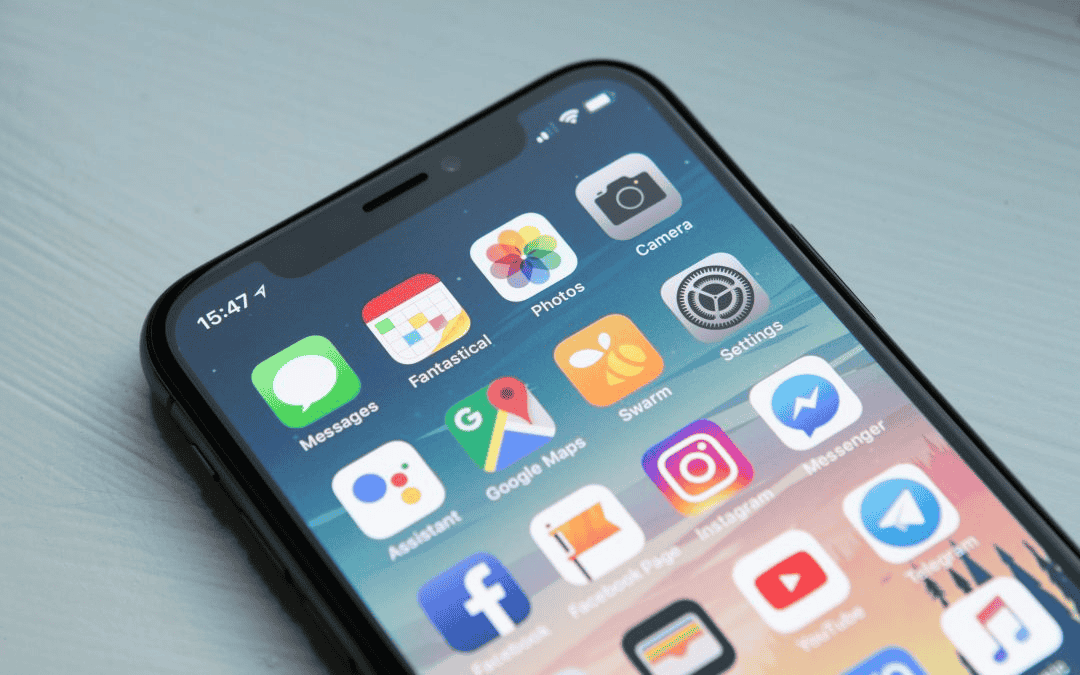
With many UK children heading off to secondary school this year, some parents will purchase the child a mobile phone to help them stay in touch with family and friends.
Mobile phones have empowered young people to stay connected in more ways than ever before but with that has come the dangers and risks of being online, including inappropriate content, speaking to people you don’t know or privacy concerns.
If your child uses a mobile phone or tablet, we’ve compiled 15 tips to help them stay safe online.
These tips are also available as a handy PDF which you can download and print for use in schools, colleges or with your family at home.
- 1
Trust. Only talk to people online that you know and trust in real life.
- 2
Don’t give away personal information to strangers – never tell them where you live or where you go to school. If someone asks for a video or photo of you, it’s okay to say no.
- 3
If you have social media or gaming accounts or profiles, you can set them to private so no-one, or just real life friends and family can see them.
- 4
Be aware of what you share. When you share something online, it’s potentially on the internet forever, even if you delete it. You can’t control what other people do with what you’ve sent them.
- 5
If you see something that upsets you or someone is bullying you online, tell an adult that you trust. They can help.
- 6
Don’t believe everything you see online. Not everything you see online is real. Sometimes people make up stories or create photos to make things look more exciting than they actually are.
- 7
Don’t fall for scams and fake links. Don’t click on links you’re unsure of pass on messages from people you don’t know. And avoid anything that asks for passwords or payment details.
- 8
Keep passwords safe. If you create a password, make sure it isn’t something that others could easily guess to access your account and don’t write it down where someone else could find it.
- 9
Be careful with what you sign up for. Sometimes websites or apps may offer rewards or prizes for signing up to their services but there may be payments required too. Be careful of hidden charges or what else you may be committing to – ensure you read terms and conditions.
- 10
Be kind online. Treat others with respect online. If someone upsets you with a message, don’t react online. Tell an adult you trust.
- 11
Trust your instincts. If something doesn’t feel right, it probably isn’t. You are in control. If you feel uncomfortable talking to someone or what you’re being asked to do you can block them and tell an adult you trust.
- 12
Take a trusted adult with you. If you decide to meet a friend you’ve met online, stay safe by taking a trusted adult with you. Never meet someone on your own if you’ve only spoken to them online.
- 13
Close down old accounts and social media profiles. If you have accounts for services you no longer use, close those accounts down and delete your profile.
- 14
Learn how to report and block. When using a website, app or gaming service for the first time, ensure you know how to report content that upsets you and block other users that you don’t want to interact with.
- 15
Take a break. Too much time using a screen can make you tired and if you’re tired you may make mistakes. Ensure you take regular breaks from your screen, whether that’s a laptop, mobile phone, tablet or gaming monitor.