14 Sep 2026
All guides 2 min read
Guide

How To Restart an iPhone

By James, Mozillion Team•

Here's how to restart your iPhone.


Follow these simple steps or watch our helpful video below.

  1. 1Locate the power button and the volume down button on your iPhone.
  2. 2Press and hold both buttons at the same time for 3 seconds and you'll see a slide to power off toggle switch appear on your screen.
  3. 3Slide the toggle and your iPhone will begin to power down.
  4. 4After around 15 seconds your iPhone will be ready to power on again to do this simply hold the power button for 3 seconds and you'll see the Apple logo appear.
  5. 5Once you're back at the lock screen, you've successfully restarted your iPhone.

Subscribe to our newsletter for more mobile phone help and tips.

Mozillion Apple Guides

Related Posts

Apple iPhone X review

Apple iPhone X review

The iPhone X ushered in a new era of iPhone design, making everything that came before it look dated. Its huge screen and updated features made it a sensation - but that was four years ago. Is it still worth buying today? Read our review.

Team 07 Aug 2026
Apple iPhone 8 Plus review

Apple iPhone 8 Plus review

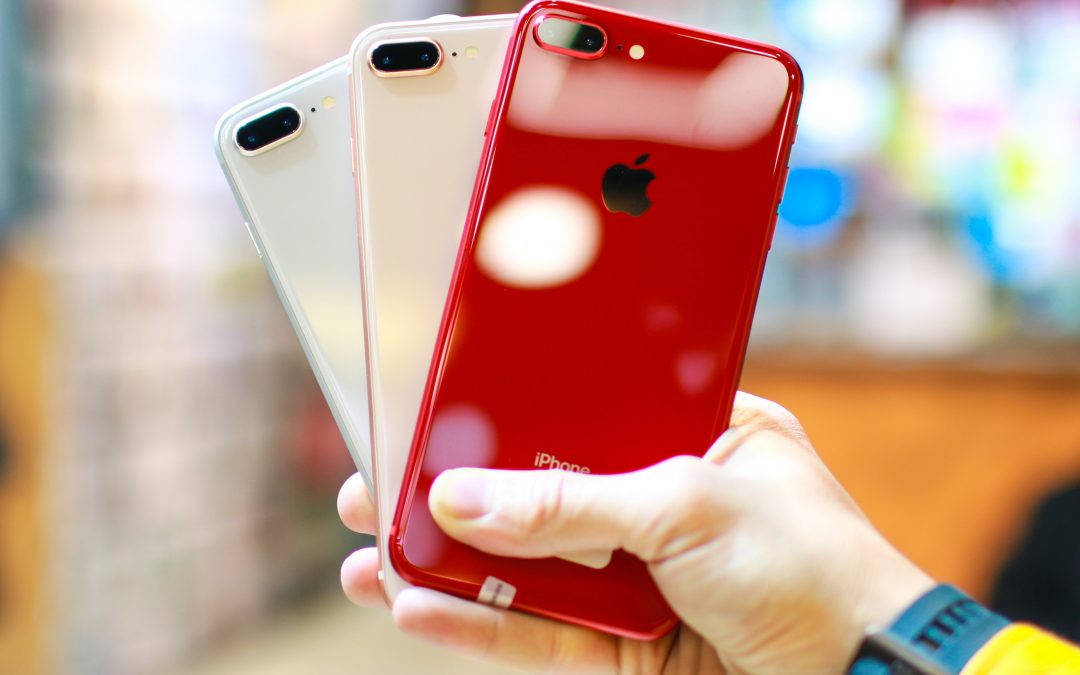
The iPhone 8 Plus was the last big iPhone with bezels above and below the screen. It’s better than an iPhone 8 or an iPhone 7 Plus, but it is getting on a bit. Today it’s comparatively cheap, but does that mean you should buy one? Read our iPhone 8 Plus review.

Team 07 Aug 2026

Apple iPhone XS Max review

Apple iPhone XS Max review

The iPhone XS Max was Apple’s first plus-sized flagship phone since the design changes introduced with the iPhone X. It’s a big, beautiful slab of a phone - but is it worth buying now it’s three generations old? Read our iPhone XS Max review.

Team 07 Aug 2026