Not everyone wants the latest, greatest, most expensive smartphone. Many older phone users still prefer the simplicity of a push-button handset, while others aren’t particularly interested in running apps or using the web. If that’s how you feel, there’s little point spending a fortune on the latest iPhone, when a refurbished or entry-level handset will be plenty good enough.
But with such a wide choice, how do you find the right balance of features, price and ease of use? And should you buy a new feature phone, or save more money and get a certified refurbished smartphone? Our guide to mobile phones for older users will help you out.
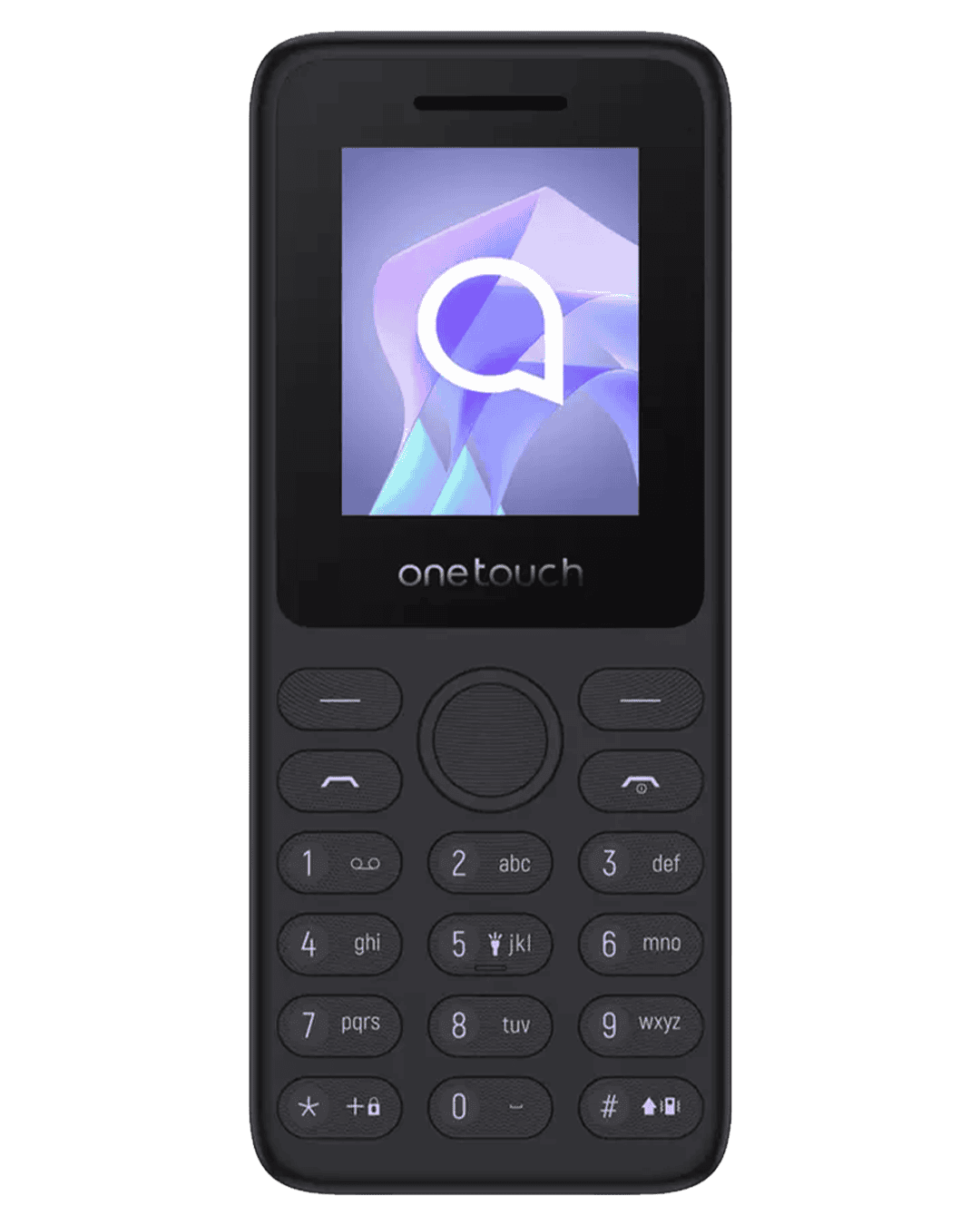
If you like to keep things simple, you’ll be pleased to know there’s still a good choice of straightforward mobile phones with push buttons. These so-called feature phones are cheaper and more straightforward than a smartphone, and their battery tends to last for much longer on a single charge. Standard feature phones are often perfectly good for older users, but if you need extra help there are versions with bigger screens or buttons, and even an emergency response feature.
If you’ve never had a smartphone, you may be firmly against getting one, or you may be beginning to wonder if you’re missing out. There’s no doubt that smartphones are more complicated than simple push-button handsets - instead of familiar buttons to open up your address book, make calls or write a text message, you get a touch screen and a pile of applications.
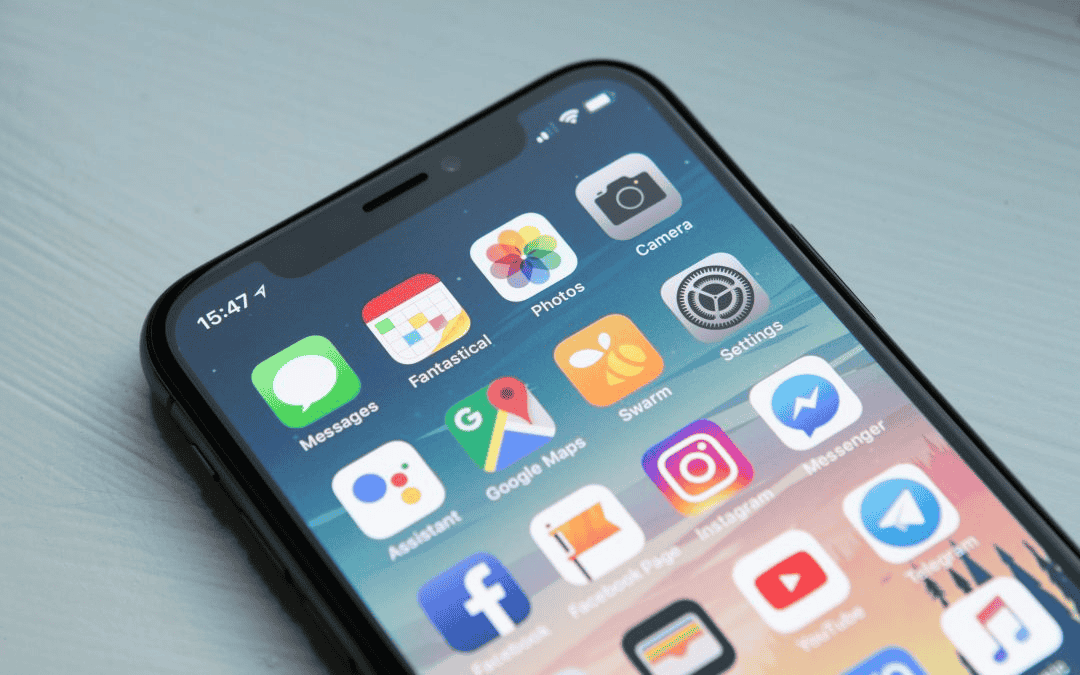
To a large extent, whether this is a good or bad thing depends on your interest in learning something new. Smartphone apps can help you find your way around the world, manage your banking or shopping, and connect you to huge libraries of music, TV and films. Apps like FaceTime or Zoom can help keep you in touch with friends and family, while family members can use other apps or features to help look after you. Smartphones typically have great cameras, too!
But these benefits aren’t much use if you find the phone difficult to use, and it simply ends up switched off most of the time. If you don’t want the hassle of learning a new gadget, stick with a simple handset that you’ll be happy using. And if you are considering a smartphone, buy a cheap or refurbished one first so you can see if it’s for you. In this guide, we’ve gathered good examples of both. We’ll explain what makes each a good phone for older users, and whether there’s anything else to consider before buying.
One thing has changed hugely since the days of the push-button phone: every modern smartphone now has powerful accessibility and simplicity features built in, free. If a touchscreen phone once felt daunting, these make a real difference.
Samsung Easy Mode
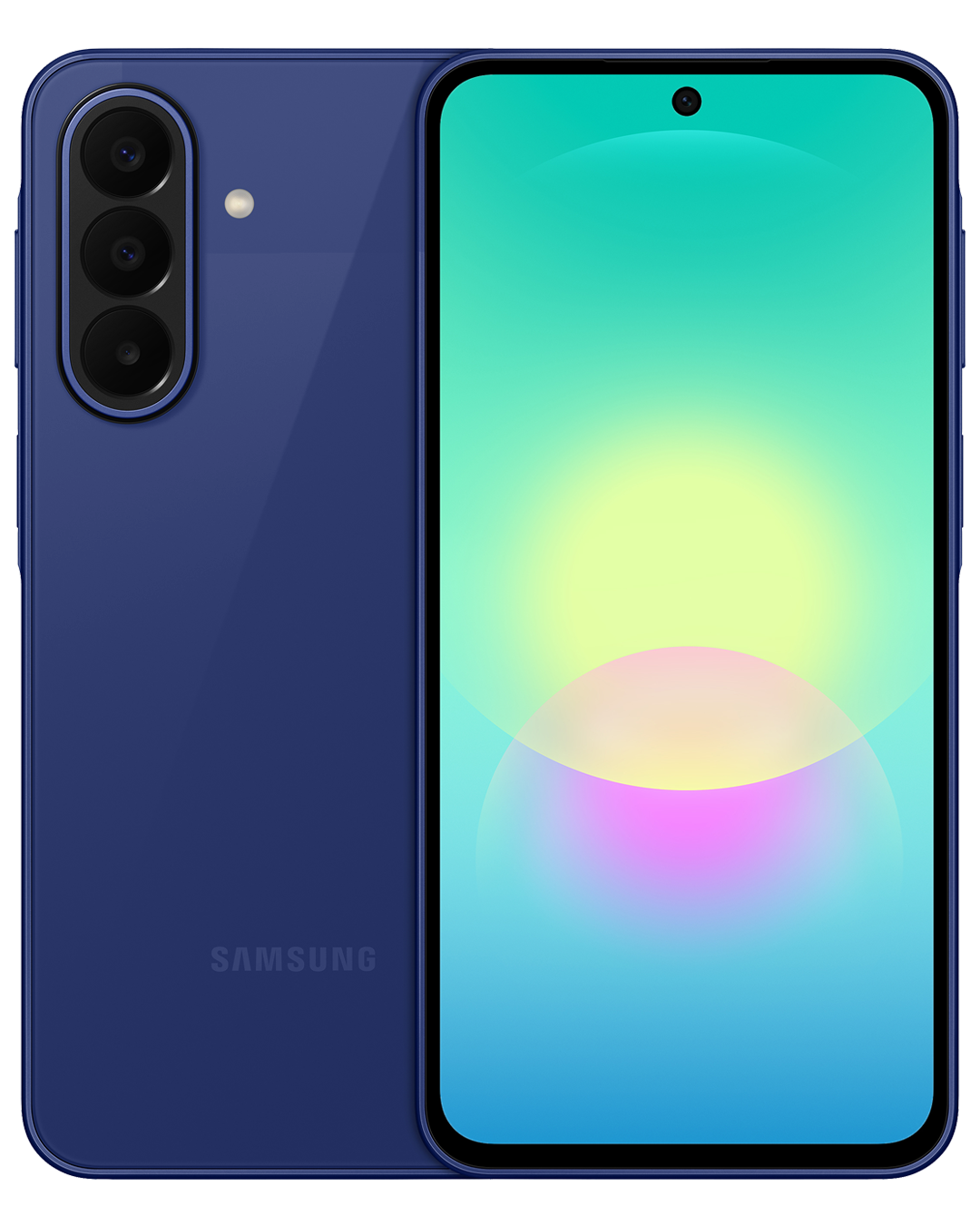
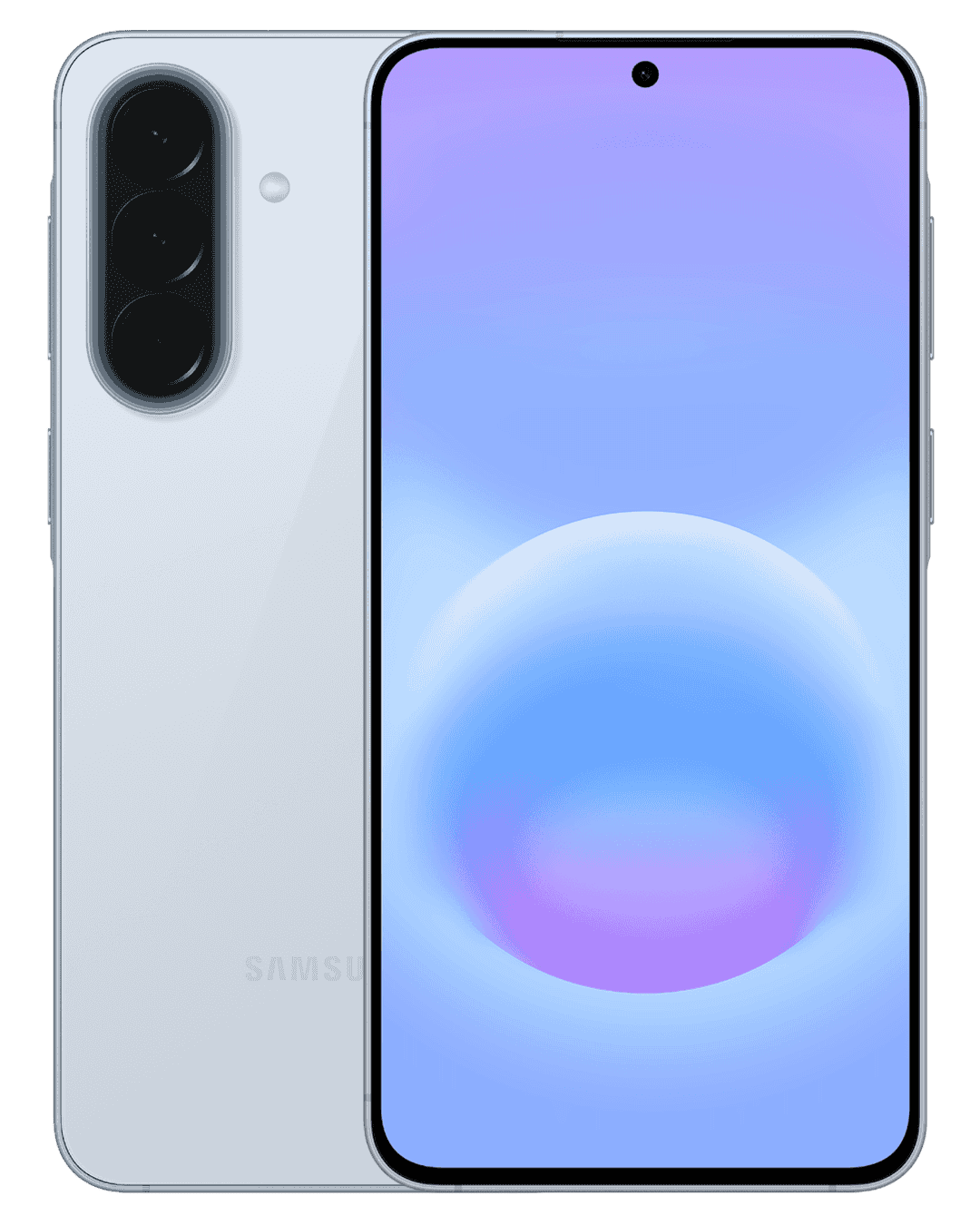
On Samsung Galaxy phones, Easy Mode switches the whole phone to a simpler layout with bigger text, larger icons and a cleaner home screen, so it feels far less busy and much easier to find your way around.
Apple Assistive Access
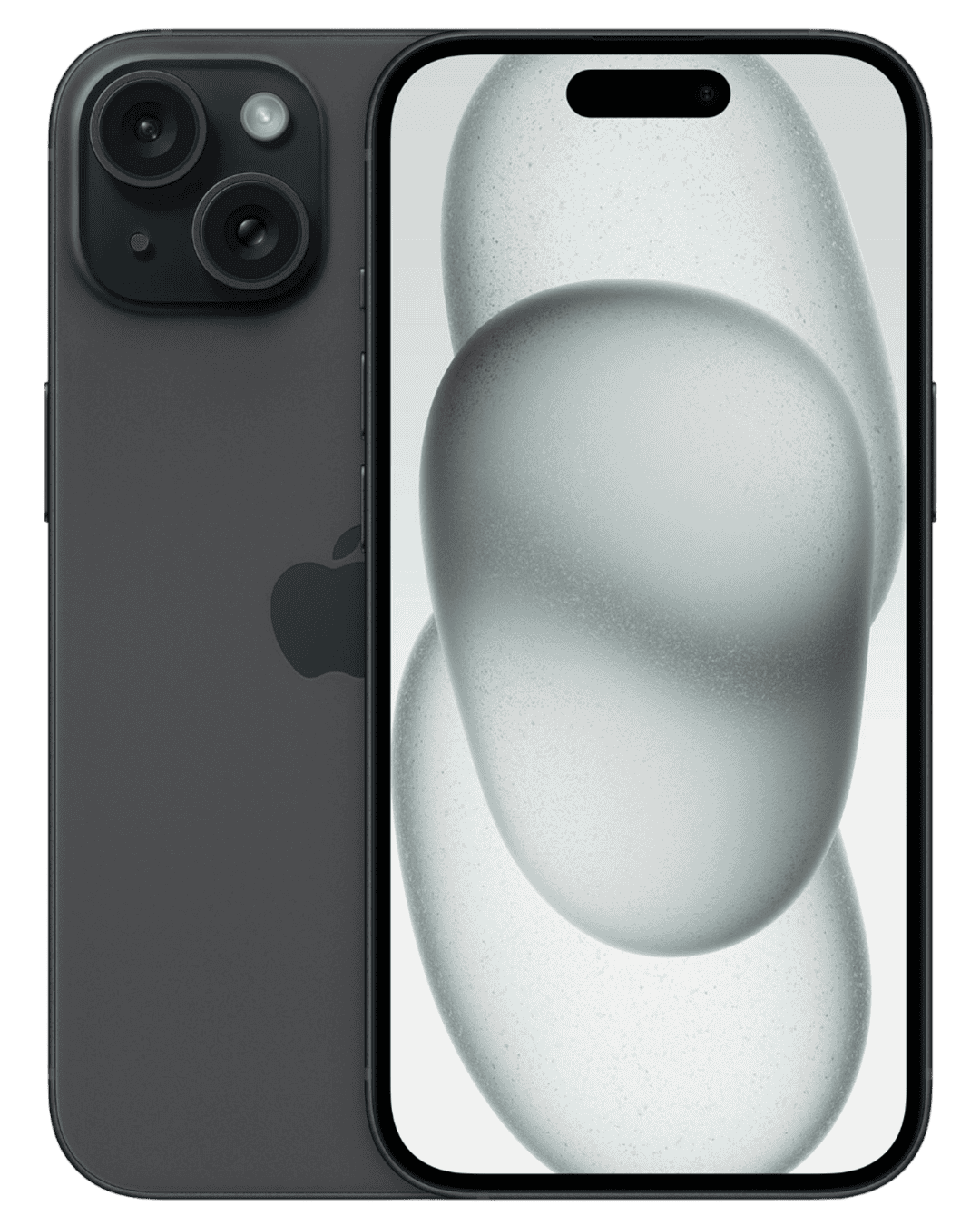
On iPhone, Assistive Access strips the phone right back to large buttons and just a handful of essential apps like Calls, Messages and Camera, turning a modern iPhone into something as simple as you like.
Safety & hearing
Both Android and iPhone offer Emergency SOS to call for help and alert loved ones at the press of a button, work with modern hearing aids, and let you crank up text size and make audio louder and clearer.
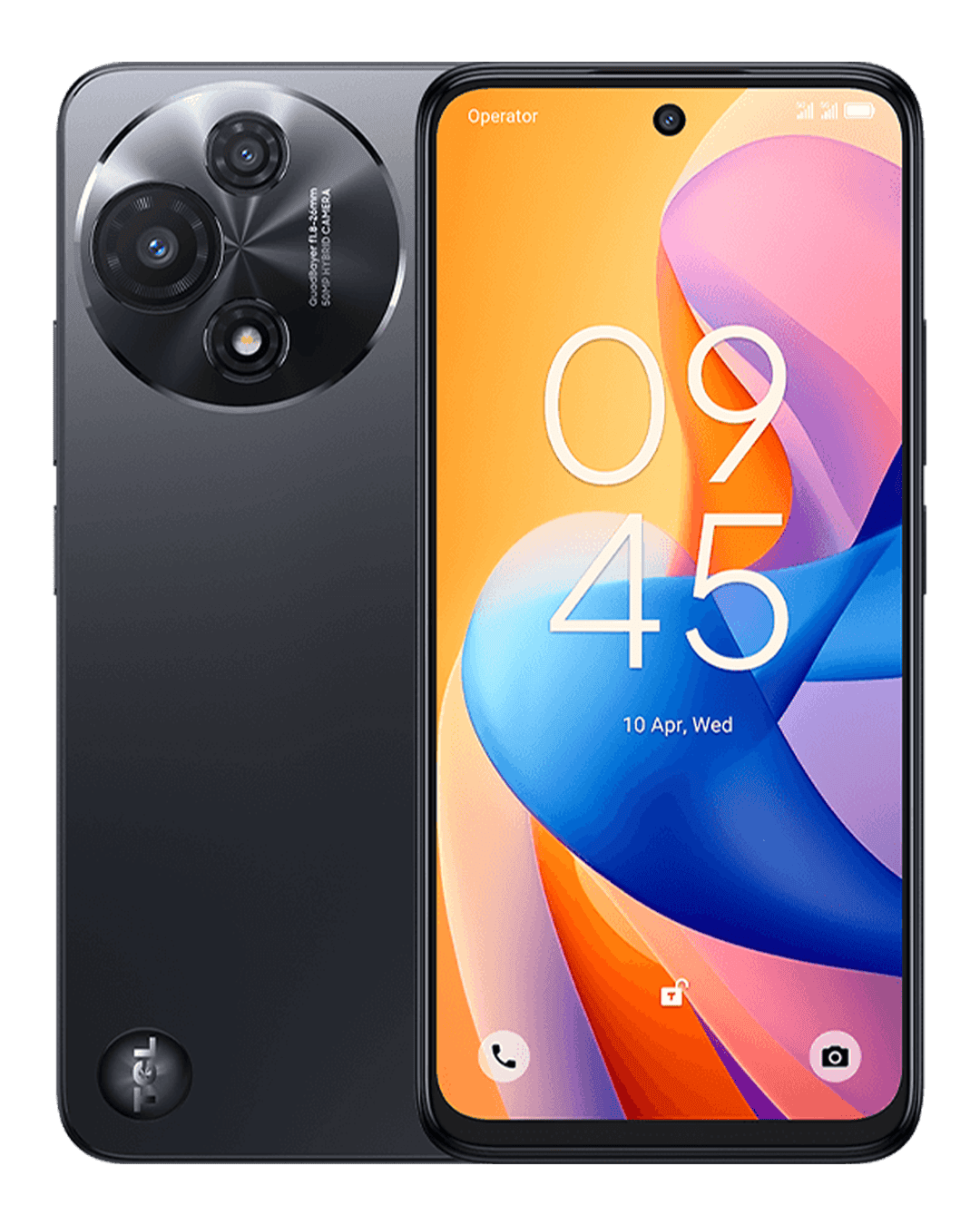
With all that in mind, here are the best phones for older users you can buy on Mozillion right now, from the simplest handset up to an easy-to-use smartphone.