


- Home
-
>
-
Shopping cart
Shopping cart
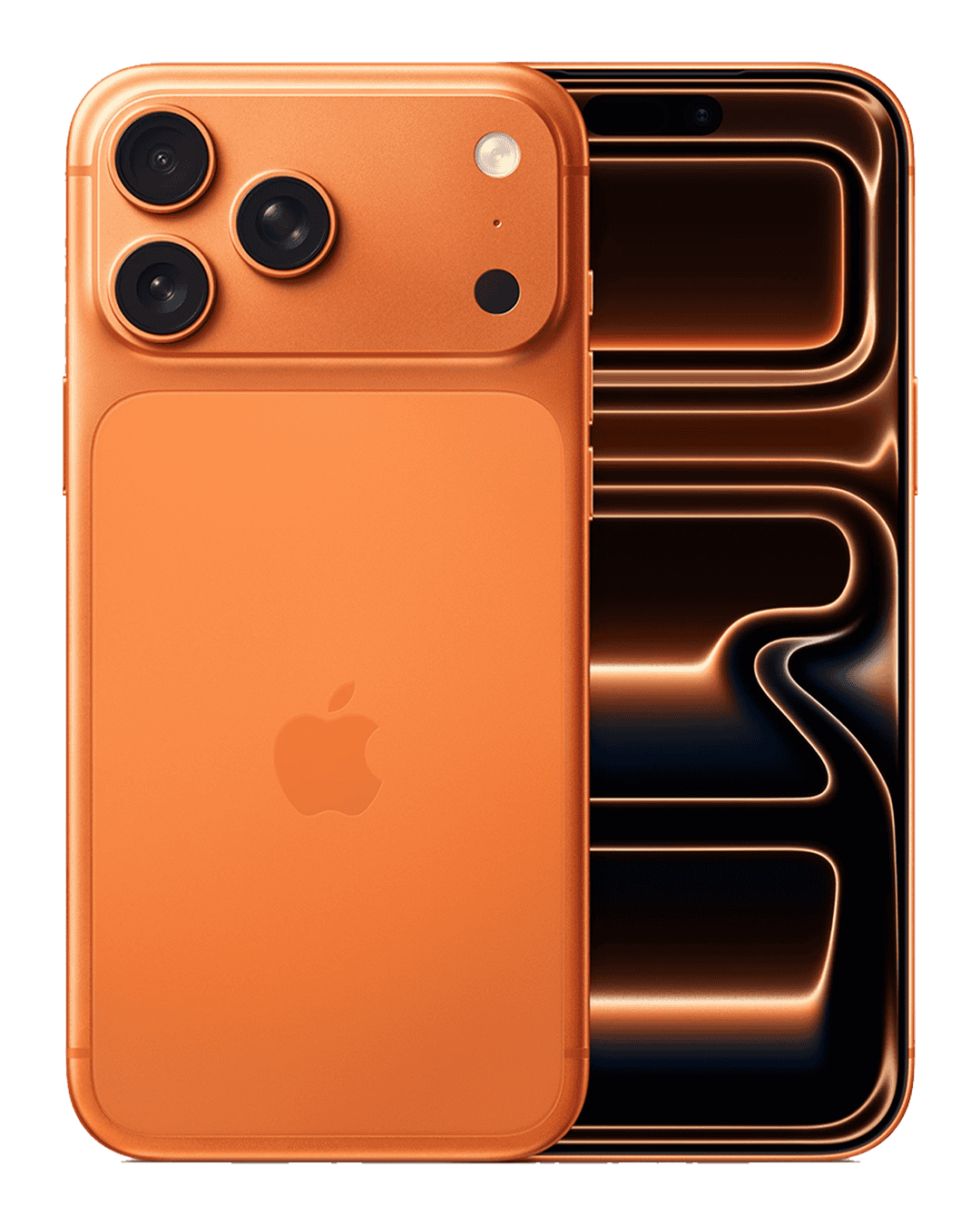
Apple iPhone 17 Pro 256GB

Condition
Brand New
Colour
Cosmic Orange
Cost
£1,070.00
Why choose insurance?
-

A screen repair can cost up to £349 without insurance
-

90% claim acceptance
-

Worldwide cover
-

Fast phone replacement
Protect your phone now and get the first 2 Months' FREE
2 Months FREE Theft, Damage & Breakdown Cover
& Loss Cover
£6.98 per month thereafter, cancel at anytime
Please read the
insurance product information document
and check the policy is suitable for your needs
£6.98 per month thereafter, cancel at anytime
Choose your discounted Accessories
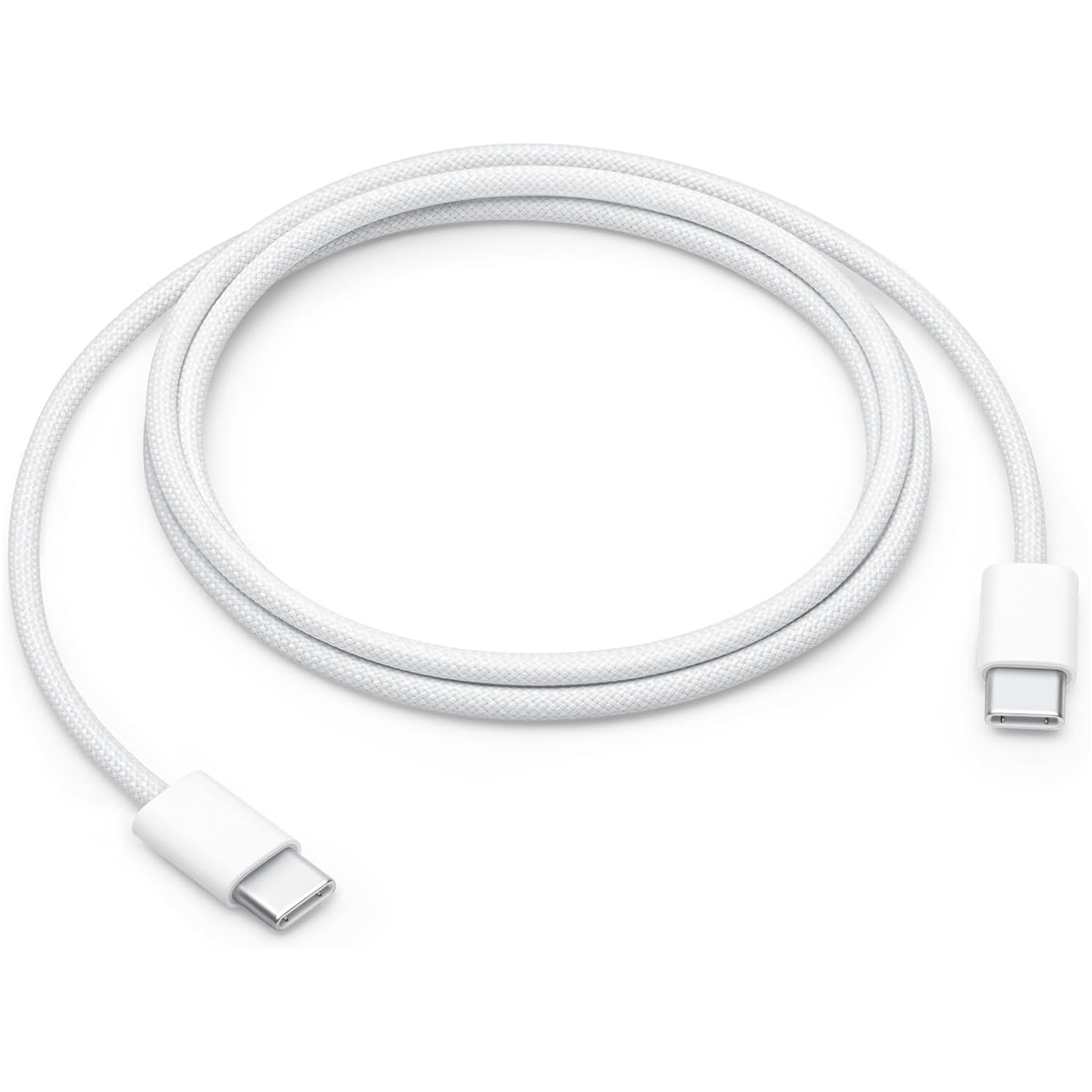
Apple 60W USB-C Charge Cable (1m)
- - Genuine Apple charging cable with USB-C on both ends
- - Ideal for charging, syncing and transferring data between USB-C devices
- - Use the USB-C Charge Cable with a compatible USB-C power adapter
- - Compatible with iPhone 15, 16, 17 series inc Plus, Pro and Pro Max models
- £12.99
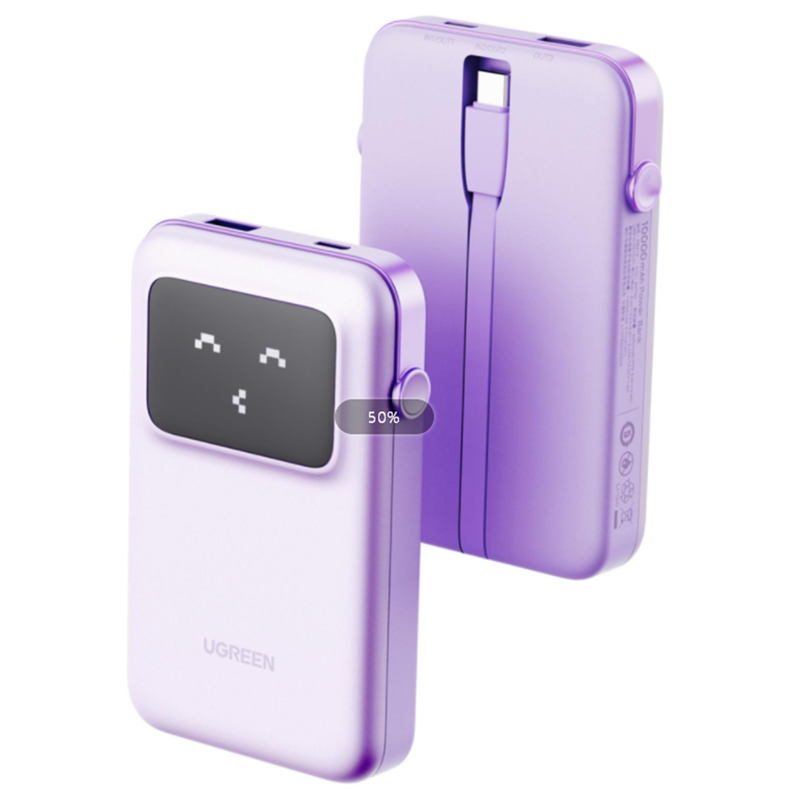
UGREEN 10000mAh Fast Charge 30W Power Bank
- - One-stop charging solution: Built-in USB-C Cable or plug in your own
- - 30W high-speed charging, boosts an iPhone 15 to 58% in just 30 minutes
- - 10000mAh power bank combines practicality and portability
- - Sleek, cute design: Real-time display shows charge status and emoji expressions
- £32.99
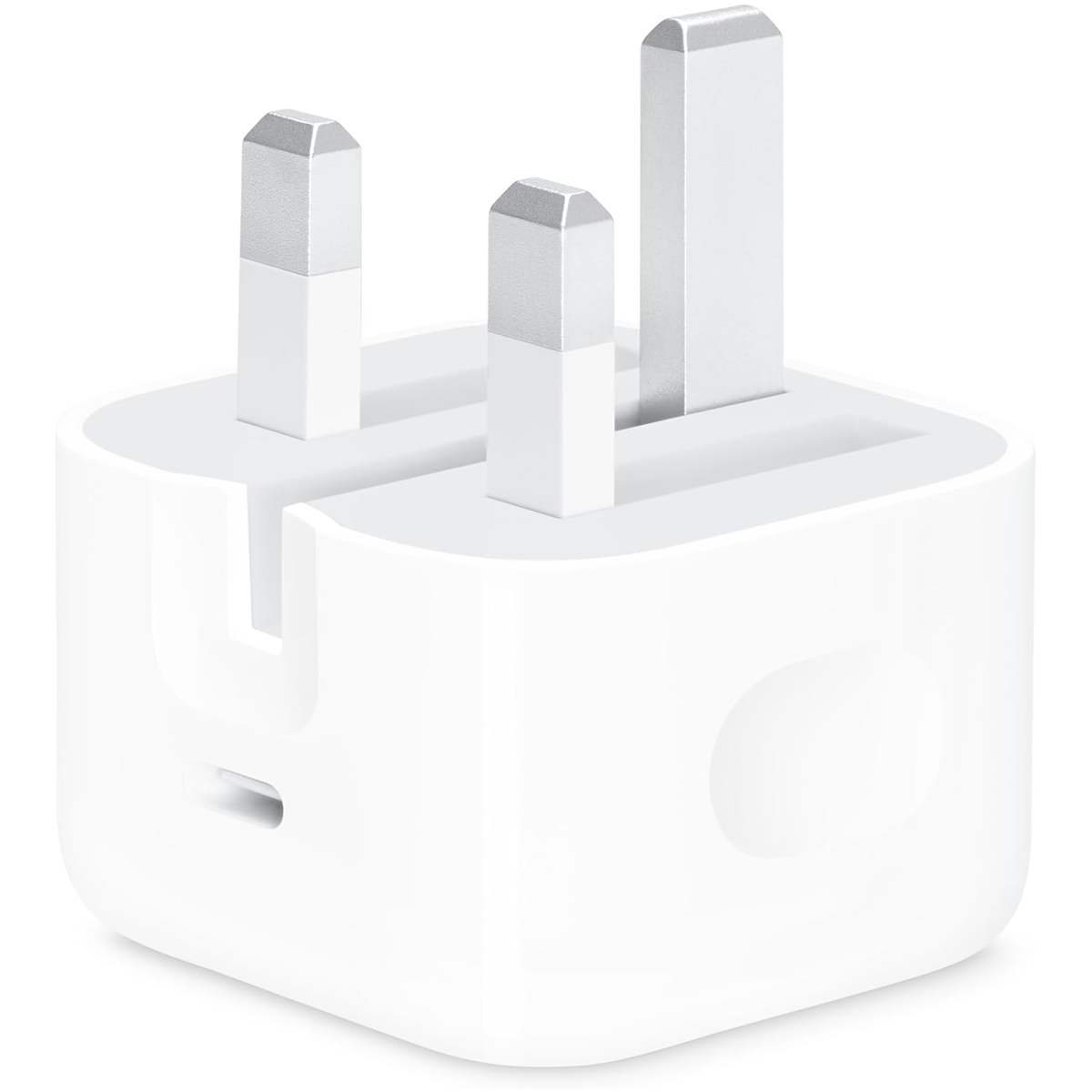
Official Apple 20W USB-C Power Adapter
- - Note: Apple don't include a charger with phones
- - Fast, efficient charging at home, in the office, or on the go
- - Compatible with any USB‑C-enabled device
- - Charging cable sold separately
- £18.99
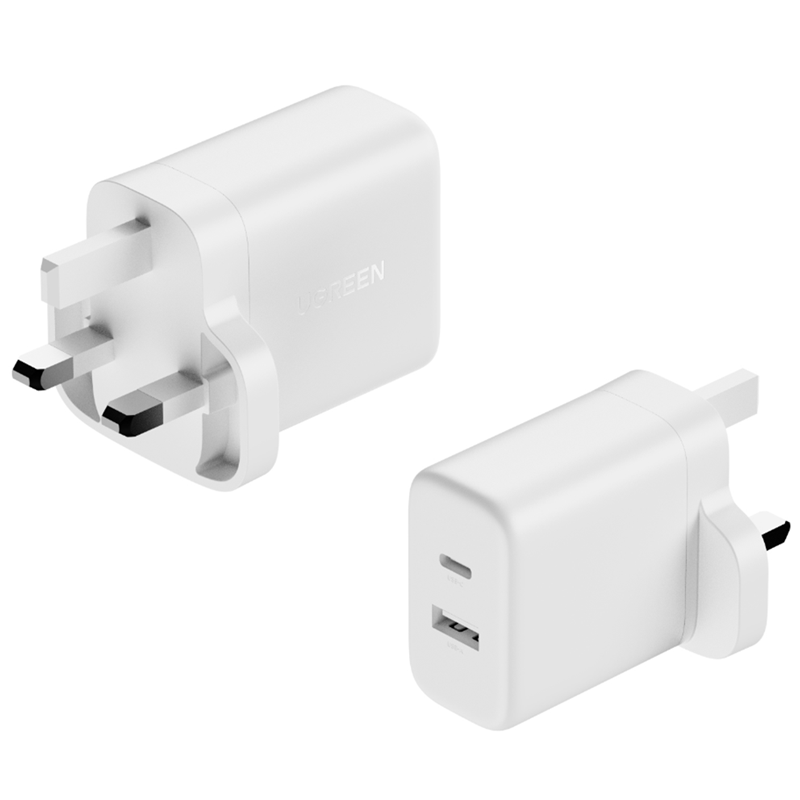
UGREEN 20W Dual Fast Charger Plug
- - 20W fast charger plug for iPhone
- - Equipped with both USB-A and USB-C ports
- - Can charge iPhone 16 to 60% in just 30 min
- - Charge two devices simultaneously
- - Compatible with other devices too
- £6.99

MiTEC True Wireless Earbuds White
- - Exceptional audio performance earbuds with charging carry case
- - Wireless Bluetooth, ideal for sports, commuting and general listening
- - Long-lasting battery, up to 6 hours of incredible sound per charge
- - IPX4 protection against water damage from perspiration
- £18.99
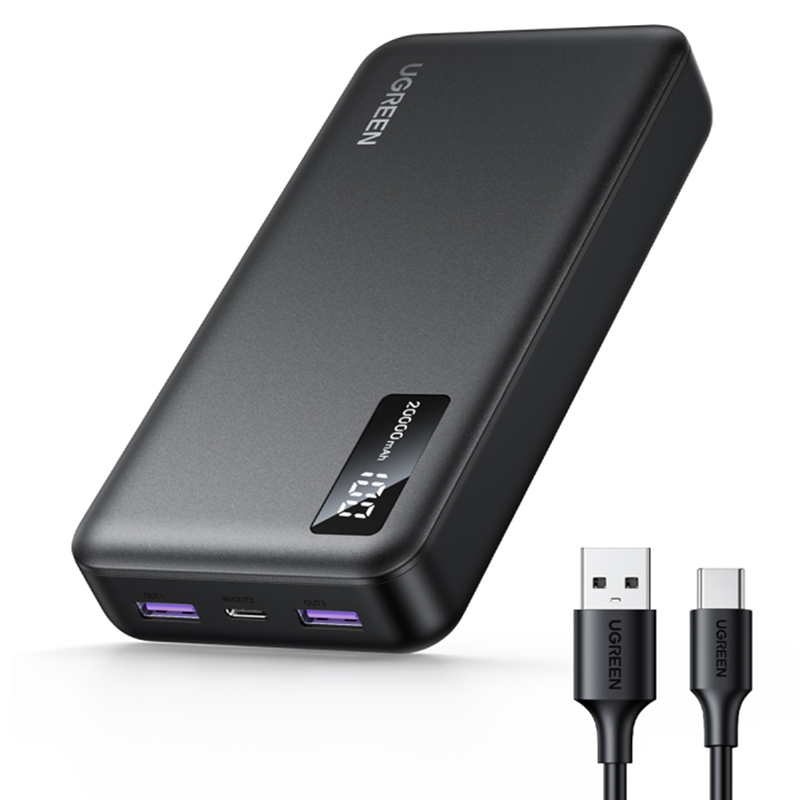
UGREEN 20000mAh PD 20W Power Bank
- - Fast-charging and recharging on the go
- - 20000mAh power bank with cable
- - Charge up to 3 devices simultaneously
- - Airline approved and with over-charge protection
- £27.99
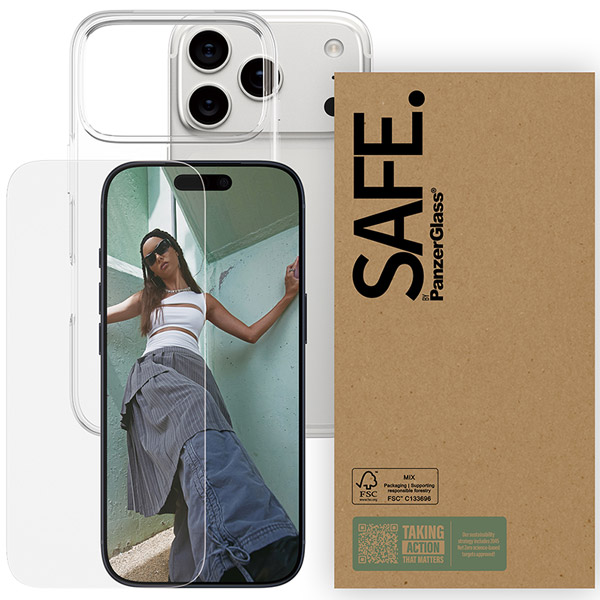
PanzerGlass 2-in-1 Protection for iPhone 17 Pro
- - Premium Case & Screen Protector to keep your iPhone safe
- - Scratch resistant screen protection, tougher-than-tough clear case
- - Sleek, elegant design and wireless charging compatible
- £12.99
Delivery

- Fast delivery 2-4 working days
Free
Total
Pay today: