
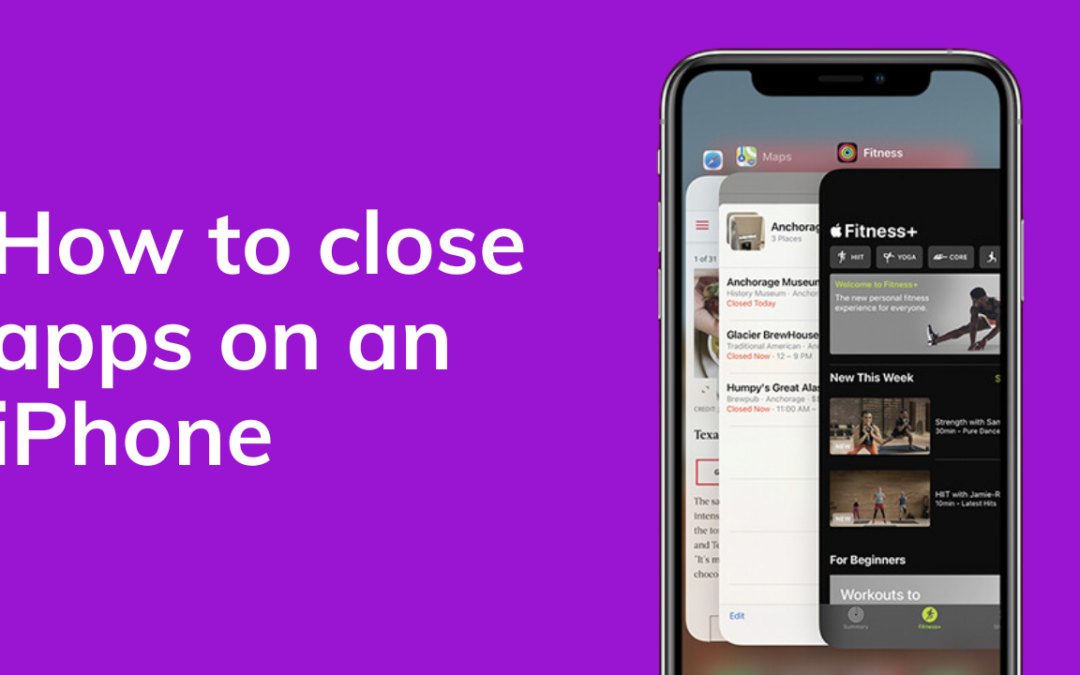
Here's how to quickly close down apps on an iPhone.
Follow these simple steps or watch our handy video below.
-
Swipe up from the bottom of your screen and hold it there for a second
-
You'll then be on the multitasking screen which shows a carousel of all your current open apps
-
To close an app simply swipe up on the selected app
-
If you close all your apps and try these steps again, the iPhone will show that you have no apps open
https://www.youtube.com/watch?v=chOn_6-rbwA
Subscribe to our newsletter for more mobile phone help and tips.